Treat others as you would want to be treated.
A quick reminder about one of life’s golden rules: treat others as you would want to be treated. It’s the classic, timeless advice that never goes out of style. In practice—especially when helping others—listen carefully, respond patiently, and guide them clearly. This approach not only resolves issues efficiently but also builds trust and satisfaction.
It’s a principle of empathy and respect that guides interactions in both personal and professional life.


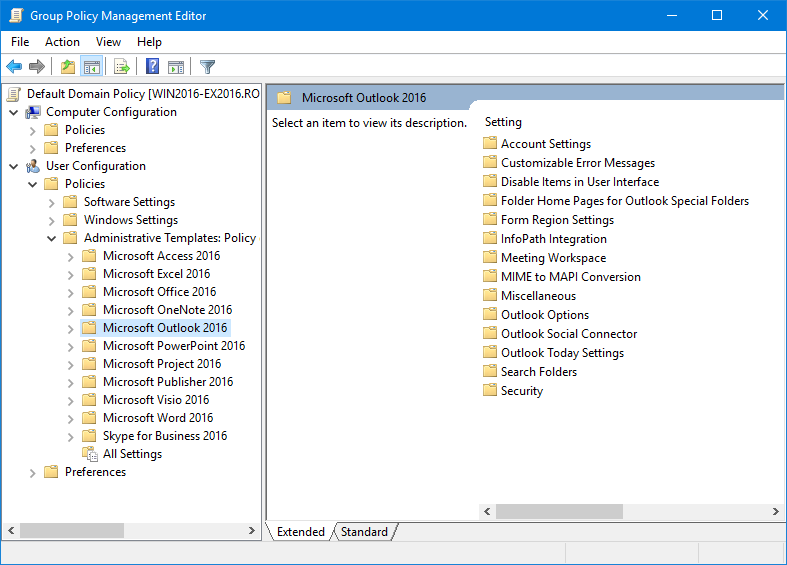
 When you are in an Active Directory network environment, you can set Outlook policies to enforce settings on a specific or a group of users or computers.
 The Group Policy Administrative Templates and documentation files are specific for each Office version. Use the links below to download the correct template files for your Outlook version.
 After downloading the Office policy templates, you must install them before you can use them. While there are separate packages for the 32-bit and 64-bit AdminTemplates, this only applies to the Office Customization Tools (OCT) and not the policy templates themselves. The adm and admx templates in both packages are exactly the same.
 This method describes how you can set Group Policies for clients in a corporate Active Directory environment. Aside from installing the policy templates for your Office version(s), you’ll need the Remote Server Administration Tools (RSAT) to edit and set the policies.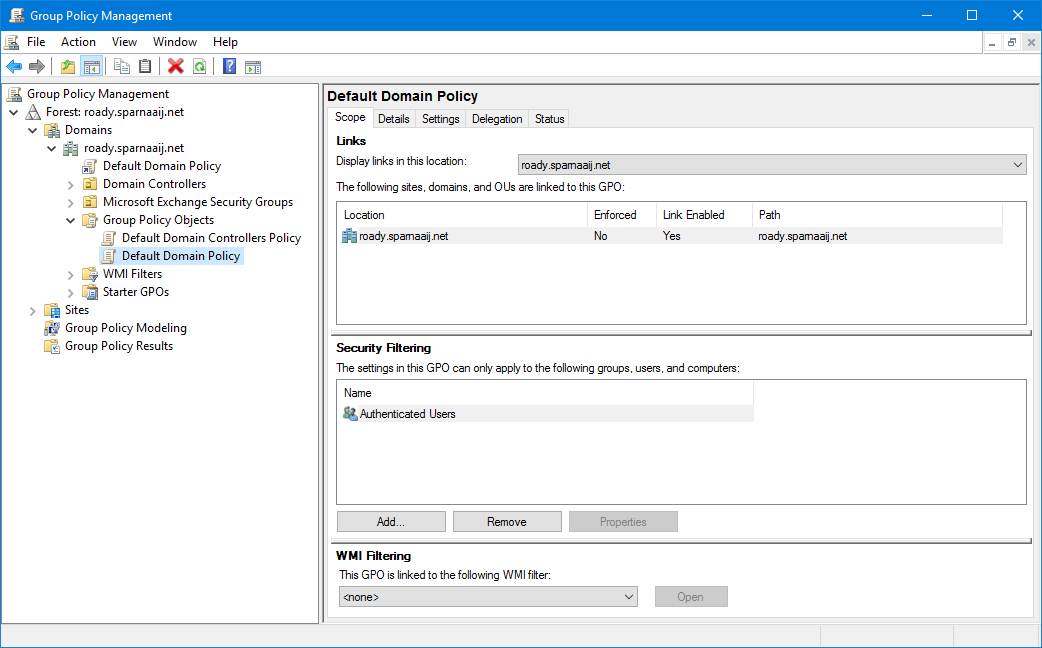
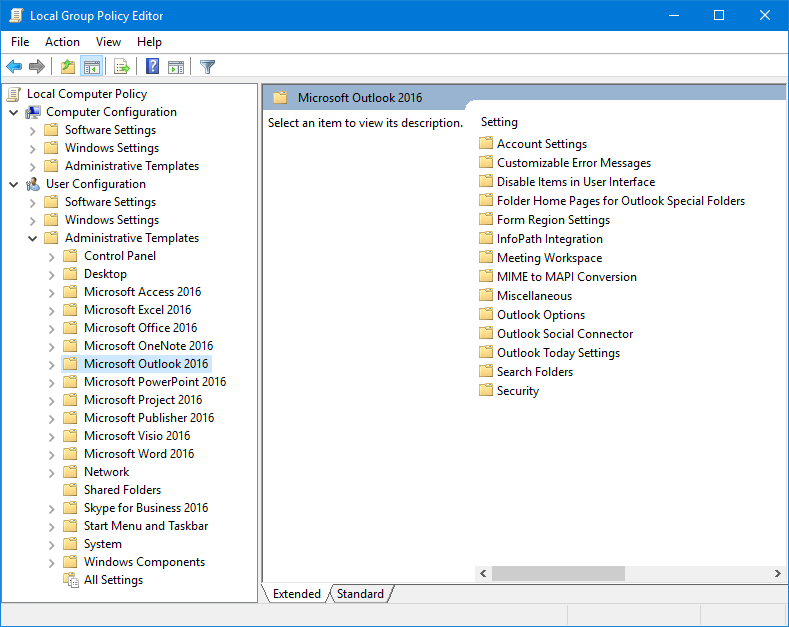
 Once you’ve installed the Group Policy Administrative Templates of your Office version, you can also control the Office policies on your own computer via the Group Policy Editor.